How to login to ScoutsTracker
Shows the steps to login to ScoutsTracker for the first time as a parent
Check Email

Open your email, and find the email sent from scoutstracker.ca to your inbox.
1. Click on the login link. This should launch your default browser.
Accept Terms of Service

After reading the Terms of Service, select Accept in the upper right corner.
Enter New Password

Once the ScoutsTracker login appears, follow the on-screen instructions.
This screen asking you to create a new password will only appear the first time you login.
Subsequent Logins

If you ever click on the link again, or browse to scoutstracker.ca, a different login screen will appear.
1. Type the email address associated with your ScoutsTracker account
2. Type your password
3. Select the Sign In button
Home Screen
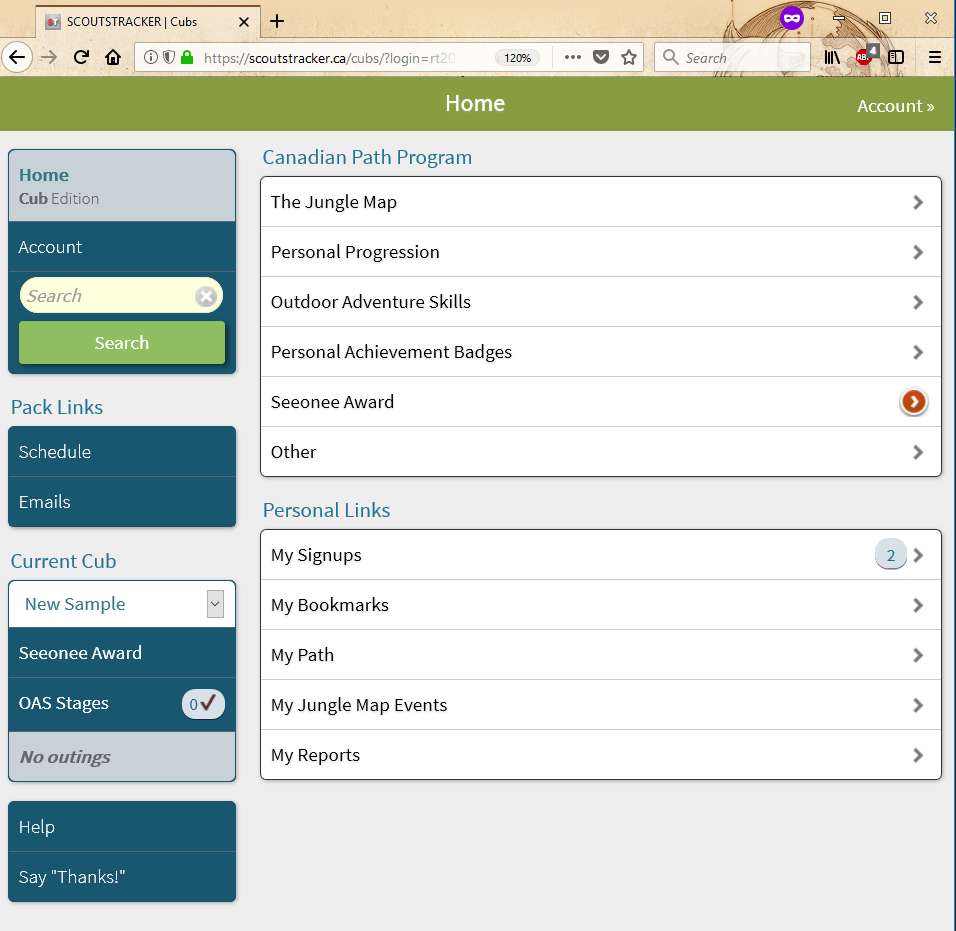
After successfully logging in, the Home Screen appears. Congratulations on making it this far. Now you're ready to use ScoutsTracker.